 neonency
Shopify store design: 15 best practices that increase sales
Fifteen practical design fixes for product pages, navigation, trust, mobile and checkout that help visitors actually buy.

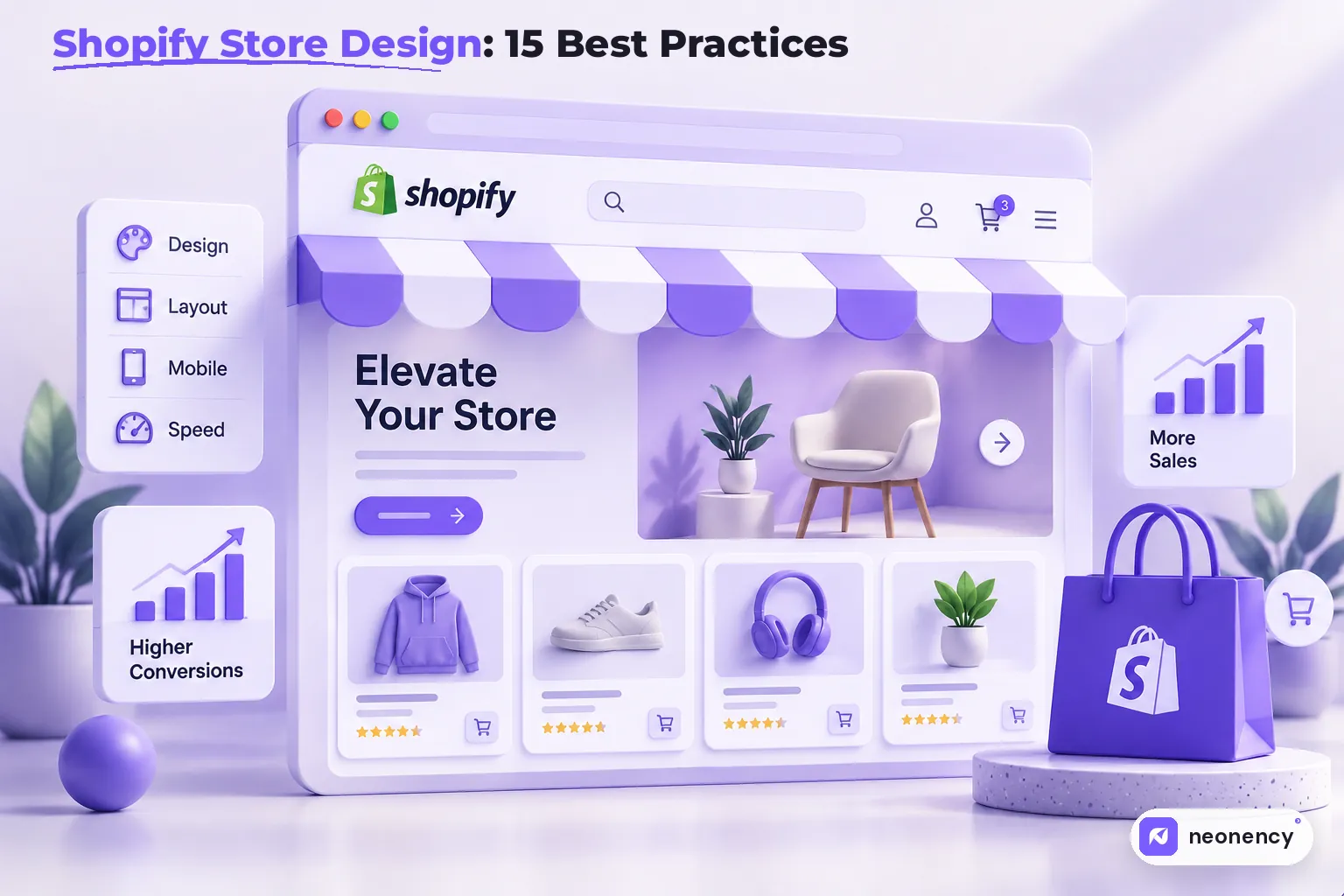
The Shopify design changes that usually lift sales most are: clear navigation and search, great product photos, product pages that answer every question (price, shipping, returns, sizing), visible reviews and trust signals, a fast mobile first layout with an easy to reach add to cart button, and a short, familiar checkout.
Most Shopify stores I audit do not have a traffic problem. They have a "people arrive, look around and leave" problem.
The good news is that store design is one of the few levers fully in your control. You do not need a bigger ad budget to fix a confusing product page. Here are the 15 practices I check first, grouped by where they happen in the shopping journey.
Help people find products
1. Keep navigation simple and obvious
Your main menu should match how customers think, not how your warehouse is organized. "Women, Men, Accessories, Sale" beats clever names nobody understands. Keep the top level short and use clear collection pages underneath.
2. Make search work properly
People who search usually know what they want, which makes them some of your best visitors. Put the search icon somewhere obvious, and use filters on collection pages. Shopify's free Search and Discovery app lets you set up filters, synonyms and product boosts without code.
3. Design the homepage around a few clear paths
The homepage does not need to show everything. It needs to answer "what do you sell, why you, and where do I click?" A strong hero, your key collections, bestsellers and a bit of social proof is usually enough. Long homepages full of sliders mostly slow things down.
Make product pages do the selling
4. Use great product photos
Photos do the job of the shop assistant. Show multiple angles, close ups of texture or details, the product in use, and something that shows scale. Keep the style consistent across the store, and make sure images can be zoomed on mobile.
5. Answer questions before they are asked
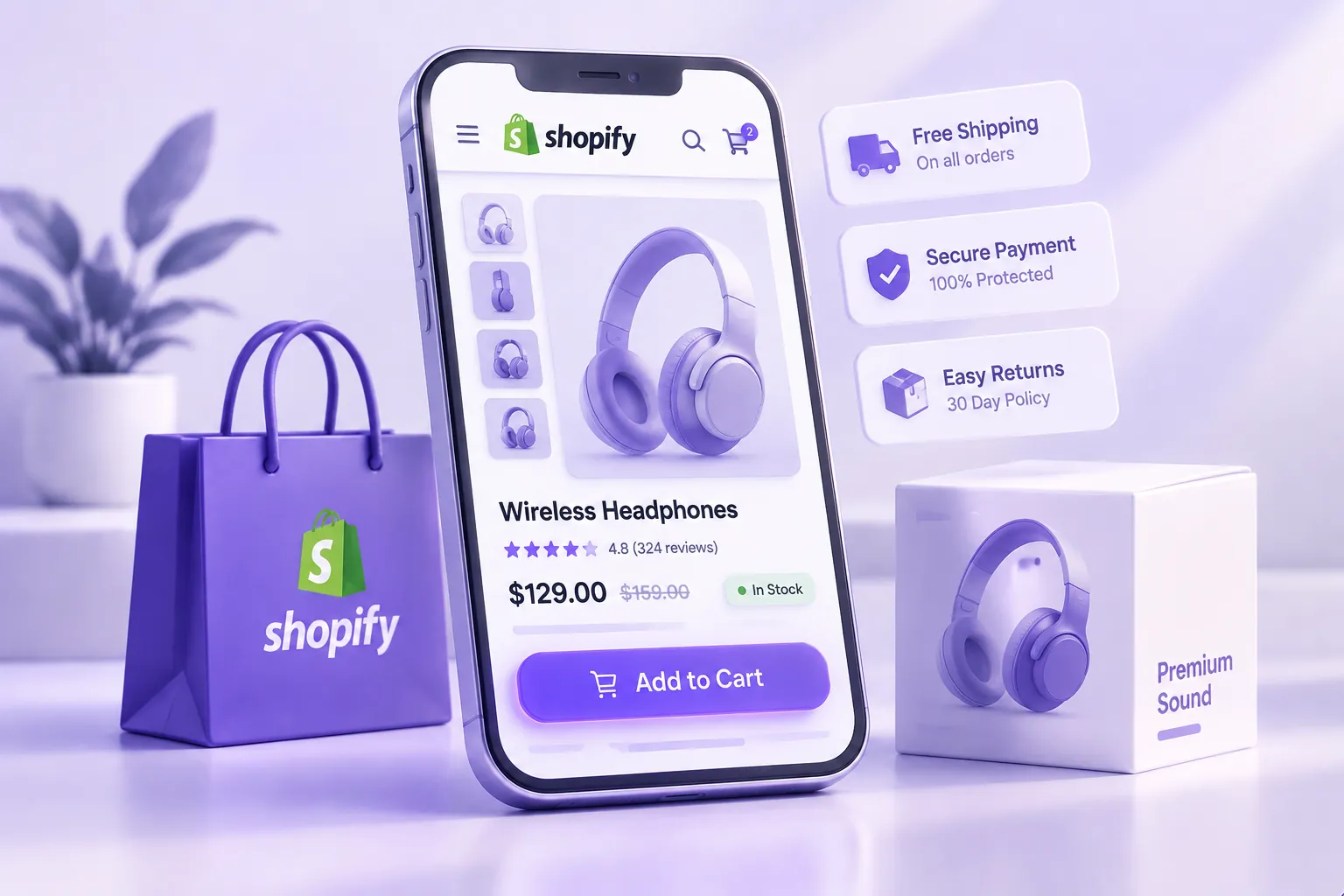
Price, sizes, materials, delivery time, shipping cost and returns. If a customer has to leave the product page to find any of these, some of them will not come back. Collapsible tabs keep the page clean while still holding the details.
6. Write descriptions for humans, then for Google
Lead with benefits and the situations where the product helps, then the specs. Use the words customers actually search for. Each product needs its own description. Copying the manufacturer's text means competing with every other store that did the same.
7. Show reviews where people decide
Star ratings near the title and real reviews further down the page give buyers confidence. Photo reviews are even better. Never fake reviews. Customers can tell, and it can get you into real legal trouble.
8. Keep the add to cart button easy to reach
On mobile, the add to cart button should be big, high contrast and visible without hunting. A sticky add to cart bar that appears as people scroll down a long product page works well for many stores.
Build trust
9. Make policies easy to find
Shipping, returns and contact details should be one tap away, usually in the footer and summarized on product pages. Clear, friendly policies remove a big reason people hesitate.
10. Tell your story
An about page with real people, real photos and a reason the brand exists helps a lot, especially for small brands competing with marketplaces. People like buying from people.
11. Keep the design consistent
Mixed fonts, random colors and badges from five different apps make a store look unreliable. Pick a simple brand system and stick to it across the theme, emails and packaging.
Design for mobile and speed
12. Design mobile first
For most stores, the majority of visitors browse on a phone. Check every page on a real phone: tap targets, text size, image loading and how filters behave on a small screen. It is the version most of your customers see.
13. Keep the store fast
Shopify takes care of hosting, so speed mostly comes down to your theme, images and apps. Resize images before uploading, avoid autoplay video in the hero, and review your apps regularly. Each app can add scripts to every page. Speed shows up directly in Core Web Vitals and in conversion rates.
Make buying easy
14. Use a cart that does not interrupt shopping
A slide out cart drawer lets people add items and keep browsing. Show the subtotal, shipping info or a free shipping progress bar, and a clear checkout button. One relevant upsell is fine. Five is a distraction.
15. Keep checkout short and familiar
Shopify's checkout is already well tested, so the main job is not to add friction. Offer the payment methods your customers expect, turn on accelerated options like Shop Pay, and avoid surprise costs at the final step. Unexpected shipping fees are one of the most common reasons people abandon a cart.
Where to start
If you only have a weekend, start with your three best selling product pages. Improve the photos, answer the missing questions, add reviews and test the add to cart experience on your phone. Those pages already have buyers, so small improvements pay off fastest.
My take
Good store design is mostly about removing doubt. Every question a customer cannot answer, every slow image and every confusing menu is a small reason to leave. Fix enough of those small reasons and sales go up without spending more on ads.
Still deciding whether Shopify is the right platform? My WordPress vs Shopify vs Webflow comparison will help. And if you would like a professional eye on your store, send us your store link. Shopify store design is one of our core services.
Frequently asked questions
What makes a good Shopify store design?
+
A good Shopify store makes it easy to find products, understand them and buy them on a phone. Clear navigation, strong product photos, honest product information, visible reviews, fast loading and a simple checkout matter more than fancy visual effects.
Should I use a free or paid Shopify theme?
+
Shopify's free themes are fast and well built, and are a great start for many stores. Paid themes add more sections and layout options. Either can be customized. Pick the one closest to your needs so you need fewer apps and less custom code.
How many apps should a Shopify store have?
+
As few as you need. Each app can add scripts that slow down the store. Review your apps every few months and remove anything you no longer use, including leftover code from uninstalled apps.
How can I make my Shopify store faster?
+
Use a well built theme, compress and resize images, limit apps, avoid heavy sliders and video on the homepage, and check your store in PageSpeed Insights. Shopify handles hosting, so most speed gains come from theme and app choices.