 neonency
WordPress vs Shopify vs Webflow: which platform is right for you?
Costs, SEO, ecommerce, editing and upkeep compared by someone who builds on all three every week.

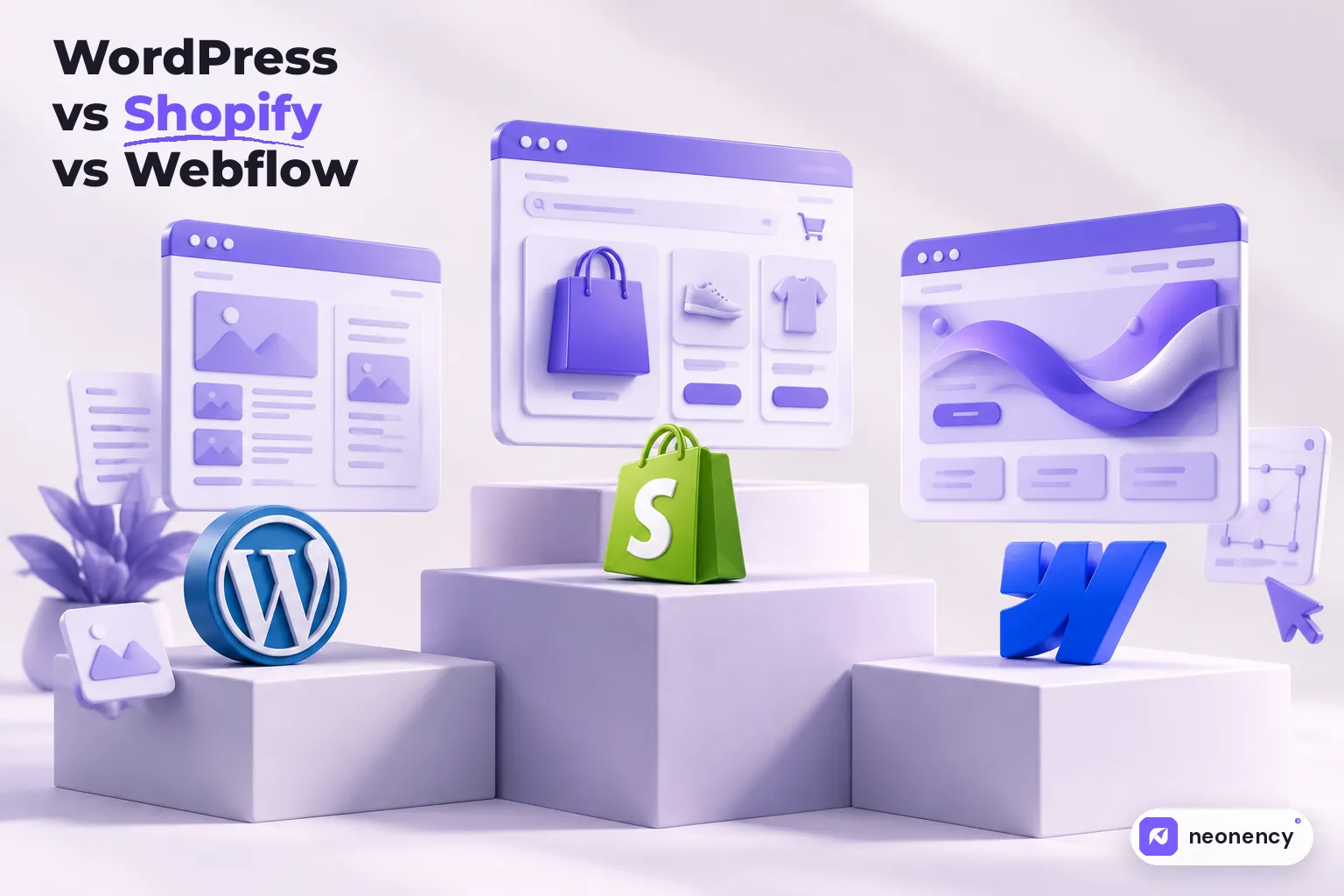
Choose Shopify if selling products online is the core of your business. Choose WordPress if you want full ownership, lots of content, or custom features on a flexible budget. Choose Webflow if you want a design led marketing site that your team can edit visually without worrying about plugins and updates.
I build on WordPress, Shopify and Webflow every week, so I get asked this one a lot. Usually by someone who has already read five comparison articles and come out more confused than before.
Here is the thing those articles rarely say out loud: all three are good. The wrong choice is not "the bad platform." It is the platform that does not match how your business actually works. So instead of crowning a winner, this guide helps you match the tool to the job.
The quick comparison
| WordPress | Shopify | Webflow | |
|---|---|---|---|
| Best for | Content sites, custom features, full control | Online stores of any size | Design led marketing sites |
| Hosting | You choose and manage it | Included | Included |
| Monthly cost | Low (hosting from about $5 to $30) | From $39, or $29 billed yearly | From about $15 billed yearly |
| Editing | Easy with the right setup | Easy for products and pages | Very visual, great for marketers |
| Ecommerce | WooCommerce, very flexible | Excellent, its core strength | Good for small catalogs |
| Maintenance | You handle updates and security | Handled by Shopify | Handled by Webflow |
| Flexibility | Almost unlimited | High, within Shopify's rules | High for design, lower for custom logic |
Prices were checked in October 2026 and they do change, so always check Shopify and Webflow before you commit.
WordPress: maximum freedom, some responsibility
WordPress is open source, so you own everything. You pick your host, your theme, your plugins, and you can move the whole site whenever you like. If you need something unusual, like a custom booking flow, a member area or a directory, WordPress can almost always do it, either with a plugin or with custom code.
That freedom comes with homework. Someone has to update WordPress, the theme and the plugins, keep backups, and watch security. Skip that and the site gets slow and vulnerable over time. Most of the "WordPress is slow" complaints I hear come from cheap hosting and too many plugins, not from WordPress itself. I wrote a whole guide on fixing that: how to speed up a WordPress website.
Choose WordPress if you:
- publish a lot of content, like blogs, guides or news
- need custom features or integrations
- want full ownership and the option to switch hosts anytime
- have a developer or agency to keep it maintained
Within WordPress there is one more choice to make, page builder or custom theme. I compared both in Elementor vs custom theme.
Shopify: built to sell
Shopify does one thing extremely well. It sells products. Checkout, payments, inventory, shipping, taxes, discount codes, abandoned cart emails and in person sales all work out of the box, and Shopify handles hosting and security for you.
The trade off is control and monthly cost. You work inside Shopify's structure, a lot of features come from paid apps, and if you use a third party payment provider instead of Shopify Payments, Shopify adds an extra transaction fee on top. Those app subscriptions add up quietly, so I always ask clients to list the apps they plan to use before we start. Once you are on Shopify, design matters a lot, and I collected the biggest wins in Shopify store design best practices.
Choose Shopify if you:
- sell physical or digital products as your main business
- want a reliable checkout without managing servers
- plan to grow your catalog, or sell on social channels and in person
Webflow: for teams who care about design
Webflow sits between a design tool and a website builder. Designers can build pixel perfect layouts with real interactions, and the result is clean, fast code. Marketing teams love it because they can edit pages and CMS content visually without breaking the layout or calling a developer for every text change.
The limits show up with complex logic. Things like advanced user accounts, heavy integrations or large stores usually need third party tools or a different platform. Webflow can export static code on some plans, but the CMS and ecommerce features stay on Webflow, so you are more tied in than with WordPress.
Choose Webflow if you:
- want a premium, design led marketing site
- have a team that will update content often
- prefer paying a plan over handling updates, plugins and security

What about SEO?
People often pick a platform because someone told them it is "better for SEO." Honestly, that is not how Google works. Google does not rank a site higher for being built on WordPress or Webflow.
What helps you rank is the same everywhere: useful content, fast pages, a clean heading structure, good titles and descriptions, proper redirects, and a site that works well on phones. All three platforms let you do that. WordPress gives you the most plugins and fine control, Webflow has solid built in SEO settings and clean markup, and Shopify covers the basics well for product pages.
A simple way to decide
Answer these four questions and the choice usually becomes obvious.
- Is selling products online the heart of your business? If yes, start with Shopify.
- Do you need custom features or plan to publish a lot of content? If yes, WordPress is probably your best fit.
- Is design quality and easy visual editing your top priority? Webflow is hard to beat here.
- Who will maintain the site after launch? If nobody, lean toward Shopify or Webflow, because they handle updates for you.
If two answers point in different directions, that is fine. A lot of brands run a Webflow or WordPress marketing site and a Shopify store side by side.
My take
If you forced me to give one piece of advice, it would be this: pick the platform your team can actually live with after launch. A beautiful site that nobody can update ends up outdated within a year. A simple site that your team edits every week keeps getting better.
Still not sure which one fits? Tell us about your project and we will recommend a platform, with reasons, before you spend anything. And if budget is part of the decision, my website cost breakdown shows what each option usually costs to build and run.
Frequently asked questions
Which is better for SEO: WordPress, Shopify or Webflow?
+
All three can rank well. Google does not prefer one platform. What matters is content quality, page speed, clean structure, metadata and internal linking. WordPress gives you the most SEO plugins and control, Webflow has clean code and good built in SEO settings, and Shopify handles the basics well for stores.
Is Webflow cheaper than WordPress?
+
Usually not on monthly costs. WordPress software is free and basic hosting is cheap, while Webflow site plans start around $15 a month billed yearly. But Webflow often saves money on maintenance, security and plugin licenses, so the total cost over a few years can end up close.
Can I sell products on WordPress or Webflow instead of Shopify?
+
Yes. WordPress uses WooCommerce, which is powerful and very flexible. Webflow has its own ecommerce plans that work well for small catalogs. For larger stores, many apps, or selling in person too, Shopify is usually the safer choice.
Can I move my website to another platform later?
+
Yes, but it is a rebuild, not a button. Content and products can be exported, while the design and features need to be rebuilt. Plan your redirects carefully so you keep your SEO.