 neonency
Website redesign checklist: how to relaunch without losing SEO
What to save before, protect during, check on launch day and watch afterward, so your rankings survive the new design.

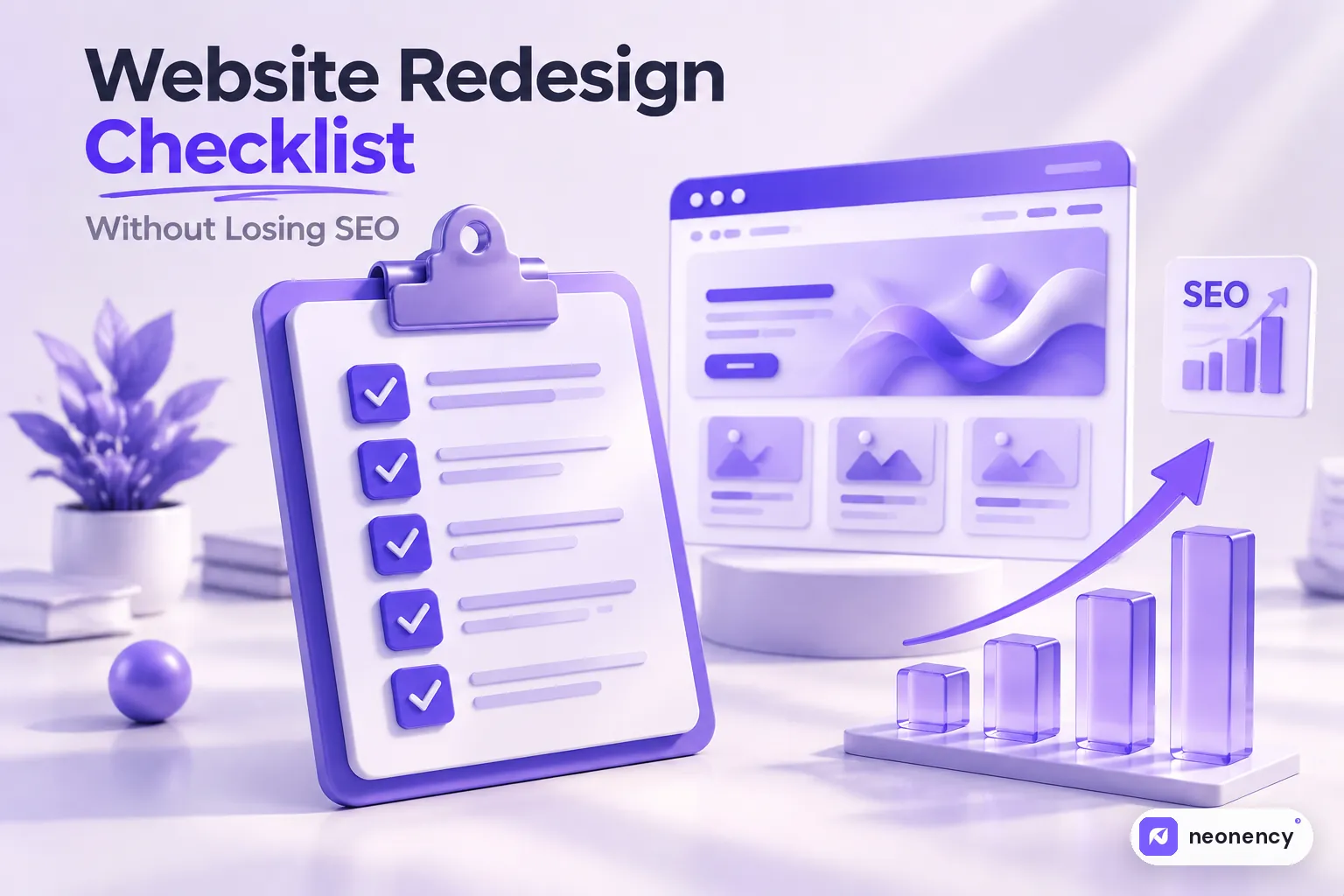
To redesign without losing SEO: record every current URL and your top pages, map each old URL to a new one with 301 redirects, keep the content and metadata that already ranks, build on a staging site that is blocked from Google, then on launch day remove the block, test redirects, submit your sitemap and watch Search Console closely for the next 4 to 8 weeks.
I have seen it happen more than once. A business launches a beautiful new website, everyone celebrates, and three weeks later the phone stops ringing. Google traffic has dropped by half and nobody knows why.
The design was not the problem. The redesign simply forgot what the old site was doing right in search. The good news is that this is almost always preventable. Here is the checklist I use, split into four stages.
Stage 1: before you design anything
This is where most of the SEO work happens, and it is the stage people skip because it is not exciting.
Crawl and save every current URL
Use a crawler like Screaming Frog SEO Spider (free for up to 500 URLs) to list every page on your current site. Save it as a spreadsheet. This is your safety net. Without it, you cannot know what you broke.
Also download your current XML sitemap, and export the pages listed in Google Search Console.
Find the pages that actually matter
In Google Search Console, open the Performance report, set the date range to the last 12 months and sort pages by clicks. Do the same in Google Analytics. These top pages are the ones you must protect at all costs.
Then open the Links report in Search Console and note which pages have backlinks from other websites. Those links carry authority, and you do not want them pointing at error pages.
Record your benchmarks
Write down where you are today so you can compare after launch:
- organic traffic and conversions for the last 3 to 12 months
- rankings for your most important keywords
- Core Web Vitals and PageSpeed scores for key pages
- the number of indexed pages in Search Console
Plan your URL structure
The safest redesign keeps the same URLs. If some URLs have to change, for example because they are messy or the structure is changing, decide that now, not on launch day.
Stage 2: while the new site is being built
Build on a staging site that Google cannot see
Use a staging copy, protected by a password or set to noindex. If Google indexes your half finished staging site, you end up competing with yourself, and that is a mess to clean up.
Keep the content that ranks
If a page ranks well, keep its main content, headings and topic, even if the design changes completely. Shortening a 1,500 word guide to 200 words because "it looks cleaner" is one of the most common ways redesigns lose traffic.
Carry over the SEO details
For every important page, copy across:
- the title tag and meta description
- the H1 and the main heading structure
- image alt text
- structured data, like FAQ or product schema
- internal links between related pages
Build the redirect map
This is the big one. Make a spreadsheet with two columns: old URL and new URL. Every old URL that changes or disappears needs a new home. Point each one to the most relevant new page, not just the homepage. Redirecting everything to the homepage looks tidy but throws away most of the value.

Check speed and mobile before launch
A redesign is the perfect moment to fix speed problems. Test the staging site on mobile and in PageSpeed Insights if it is reachable. If you are on WordPress, my WordPress speed guide covers the fixes that make the biggest difference.
Stage 3: launch day
Go through this list slowly. Most redesign disasters happen in the first hour.
- Remove the noindex. Check that "Discourage search engines" is off in WordPress settings, and that robots.txt is not blocking the whole site. This single mistake has wiped out more rankings than anything else on this list.
- Add the 301 redirects. Then test a sample of old URLs and make sure each one lands on the right page with one hop, not a chain of redirects.
- Check canonical tags. They should point to the live domain, not staging.
- Submit the new XML sitemap in Google Search Console.
- Confirm analytics is working. Open the site and check that your visit shows up in Google Analytics in real time.
- Test forms and checkout. Send a real test inquiry. Make a test purchase if you have a store.
- Check a custom 404 page exists with links back to your main pages.
If you also changed your domain name, use the Change of Address tool in Search Console and follow Google's guide to site moves.
Stage 4: the first 8 weeks after launch
Do not launch and disappear. For the first two weeks, check Search Console every few days.
- Look at the Pages report for new "Not found (404)" errors and fix them with redirects.
- Compare clicks and impressions with your benchmarks from stage 1.
- Crawl the live site again to catch broken internal links.
- Watch your top 20 pages closely. If one drops sharply, compare the old and new versions to see what changed.
Some movement in rankings is normal while Google recrawls everything. A sharp and lasting drop is not normal, and it almost always traces back to redirects, removed content or indexing settings.
The checklist in one table
| Stage | Must do |
|---|---|
| Before | Crawl all URLs, find top pages and backlinks, record benchmarks, plan URLs |
| During | Staging with noindex, keep ranking content, copy metadata, build redirect map, test speed |
| Launch | Remove noindex, add 301s, check canonicals, submit sitemap, test analytics and forms |
| After | Monitor Search Console, fix 404s, compare with benchmarks for 4 to 8 weeks |
My take
A redesign should make your SEO better, not just keep it alive. Faster pages, cleaner structure and clearer content usually lead to better rankings within a few months. But you only get there if the boring work in stage 1 gets done properly.
Not sure your site needs a full redesign yet? Run through the 12 signs your website needs a redesign first. And if you would rather have someone handle the whole process, including redirects and monitoring, let's talk about your redesign.
Frequently asked questions
Will I lose SEO if I redesign my website?
+
Not if you plan it. Most ranking drops after a redesign come from missing redirects, removed content, changed URLs, or a staging site that was accidentally left blocked from Google. Follow a checklist and a short dip, if any, usually recovers within weeks.
What is a 301 redirect and why does it matter?
+
A 301 redirect permanently sends visitors and search engines from an old URL to a new one. It tells Google that the page moved, so most of the ranking signals and backlinks pass to the new address instead of being lost to a 404 error.
Should I change my URLs during a redesign?
+
Only if there is a good reason, like messy or meaningless URLs. Keeping existing URLs is the safest option. If you do change them, every old URL needs a 301 redirect to the most relevant new page.
How long does it take for rankings to settle after a redesign?
+
Small fluctuations are normal for a few weeks while Google recrawls the site. For most small and medium sites things settle within 4 to 8 weeks. If traffic keeps falling after that, check redirects, indexing and removed content.