 neonency
12 signs your website needs a redesign
Twelve warning signs, a quick way to test each one, and how to tell a full redesign from a simple refresh.

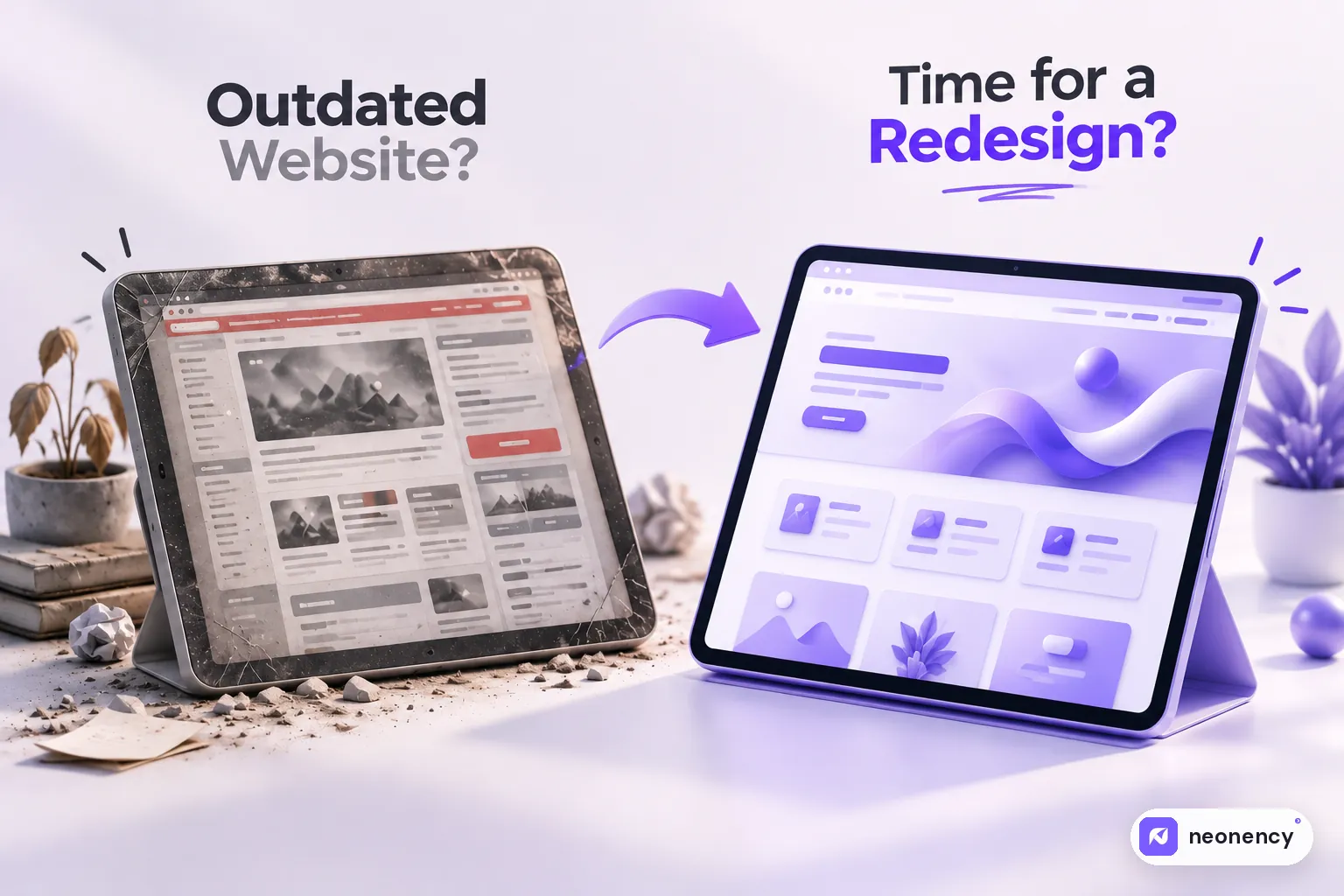
Your website probably needs a redesign if it looks broken or tiny on phones, takes more than a few seconds to load, gets visitors but few inquiries, no longer matches what your business offers, or needs a developer for every small text change. If only one or two of these apply, a targeted refresh may be enough.
Most people do not decide to redesign their website on a calm Tuesday. It happens after a moment. A client says "your site was hard to use on my phone." A competitor launches something sharp. Or you send your link to someone important and quietly hope they do not click it.
If you have had that moment, this list is for you. For each sign I have added a quick way to check it yourself, so you are not guessing.
1. It does not work well on phones
Open your site on your phone right now. Is the text easy to read without zooming? Are buttons big enough to tap? Does anything spill off the side of the screen?
For most businesses, mobile is where the majority of visits come from, and Google uses the mobile version of your site for ranking. A site that only looks right on desktop is losing people every day.
Quick check: open it on your phone and try to contact yourself through the site. Time how long it takes.
2. It loads slowly
Slow sites lose visitors before the page even appears. Google measures this with Core Web Vitals, and a good target is the main content appearing within 2.5 seconds.
Quick check: run your homepage through PageSpeed Insights. If the mobile result is mostly red, that is a problem worth fixing. Sometimes a speed fix is enough without a full redesign. If you are on WordPress, start with my WordPress speed guide.
3. People visit but nobody gets in touch
Traffic without inquiries usually means the site is not doing its job. Visitors cannot quickly tell what you do, who it is for, or what to do next.
Quick check: in Google Analytics, compare visits to form submissions or calls over the last three months. If the gap is huge, the problem is usually message and layout, not traffic.
4. You are embarrassed to share the link
This one sounds emotional, but it matters. If you avoid putting your website in your email signature or proposal, your site is costing you trust. You know your work is better than your site, and your prospects cannot see that.
5. Your business has changed, but the site has not
New services, new pricing, a different target client, a new location. When the website still describes the business you were three years ago, it attracts the wrong inquiries and confuses the right ones.
6. Small edits need a developer
Changing a phone number should not need a support ticket. If your team is scared to touch the site, or every small update costs money, the setup is working against you. A modern CMS setup lets you edit text, images and blog posts safely.
7. The design looks dated
Design trends come and go, so this is not about chasing fashion. But some things clearly age a site: tiny grey text, auto playing sliders, cluttered sidebars, stock photos everyone has seen, and layouts built for small desktop monitors. Visitors judge credibility in seconds, and an old look reads as "is this company still active?"

8. There is no clear next step
Look at your homepage and ask: what exactly do I want a visitor to do? If the answer is buried, or there are seven competing buttons, people leave. Every important page should have one obvious main action, like booking a call, requesting a quote or buying.
9. It is running on old software
Old WordPress versions, abandoned plugins, outdated PHP and unsupported themes are a real security risk. They also break in odd ways when the host updates their servers.
Quick check: log into your dashboard and look at the updates screen. If there are dozens of pending updates, or plugins that have not been updated by their authors in years, it is time to act.
10. Visitors leave almost immediately
In Google Analytics 4, look at engagement rate and average engagement time for your key pages. If people arrive from Google and leave within seconds, the page is not matching what they expected, or it is too slow or confusing to stick around.
11. Your search traffic keeps sliding
A slow decline in Google traffic over many months often points to deeper issues: thin content, poor structure, slow pages or technical errors. Check the Performance report in Google Search Console and compare this year with last year.
12. It is hard to use for people with disabilities
Low contrast text, images without descriptions, forms that cannot be used with a keyboard. Accessibility is about real people being able to use your site, and in many markets it is becoming a legal expectation too. Fixing it is much easier during a redesign than as a patch afterward.
Redesign or refresh?
Here is something an agency will not always tell you: you may not need a full redesign.
If your site has one or two of these problems, a targeted refresh is often enough. New homepage copy, a faster host, better calls to action and some visual cleanup can change results quickly and for far less money.
If you ticked five or more, especially the mobile, speed, conversion and outdated software ones, patching usually costs more in the long run than starting fresh with a proper plan.
How to start without breaking anything
The biggest risk in any redesign is losing the Google rankings you already have. Before anyone touches the design, list your current pages, see which ones bring traffic, and plan where each one goes. I put the whole process into a step by step website redesign checklist so nothing gets missed.
And if you are wondering what a redesign would cost, my website pricing guide gives realistic ranges.
If you want a second opinion, send us your current URL. We will tell you honestly whether you need a redesign, a refresh, or just a few fixes.
Frequently asked questions
How often should a website be redesigned?
+
There is no fixed rule, but most business websites need a meaningful update every 3 to 5 years. Smaller improvements to copy, speed and calls to action should happen all the time in between.
Will a redesign hurt my Google rankings?
+
It can if URLs change without redirects or important content is removed. Done carefully, with a redirect map and the same or better content, a redesign often improves rankings. Our redesign checklist walks through every step.
What is the difference between a redesign and a refresh?
+
A refresh keeps the structure and updates visuals, copy and small features. A redesign rethinks the structure, user journey and often the platform. A refresh is faster and cheaper; a redesign fixes deeper problems.
How long does a website redesign take?
+
A small business redesign usually takes 4 to 8 weeks. Larger sites with many templates, integrations or content migration can take a few months. Content readiness is usually the biggest factor.